

What is Delegated Access?
Delegated Access allows you to invite WRLD (or any web designer/developer) to access your GoDaddy products without sharing your password. Delegates can manage your domains and hosting but cannot view or change sensitive account information like payment methods or passwords.How to Invite WRLD as a Delegate
1
Go to Delegate Access
Visit your GoDaddy Delegate Access page. You may be prompted to sign in.
2
Select Invite to Access
In the People who can access my account section, click Invite to Access.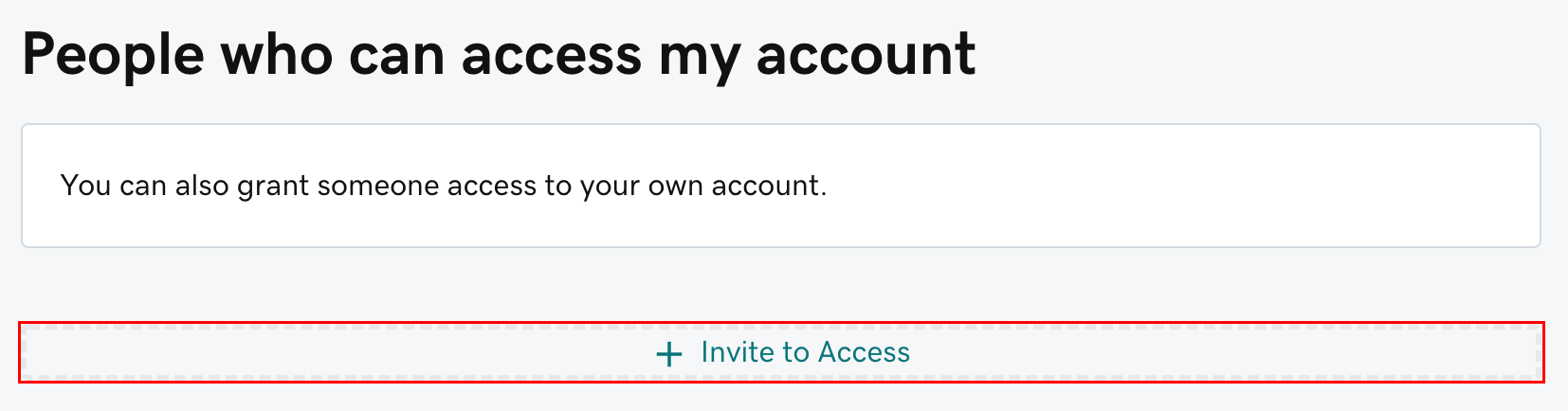
3
Enter Contact Information
Enter the Name and Email for the person you’re inviting.For WRLD, use: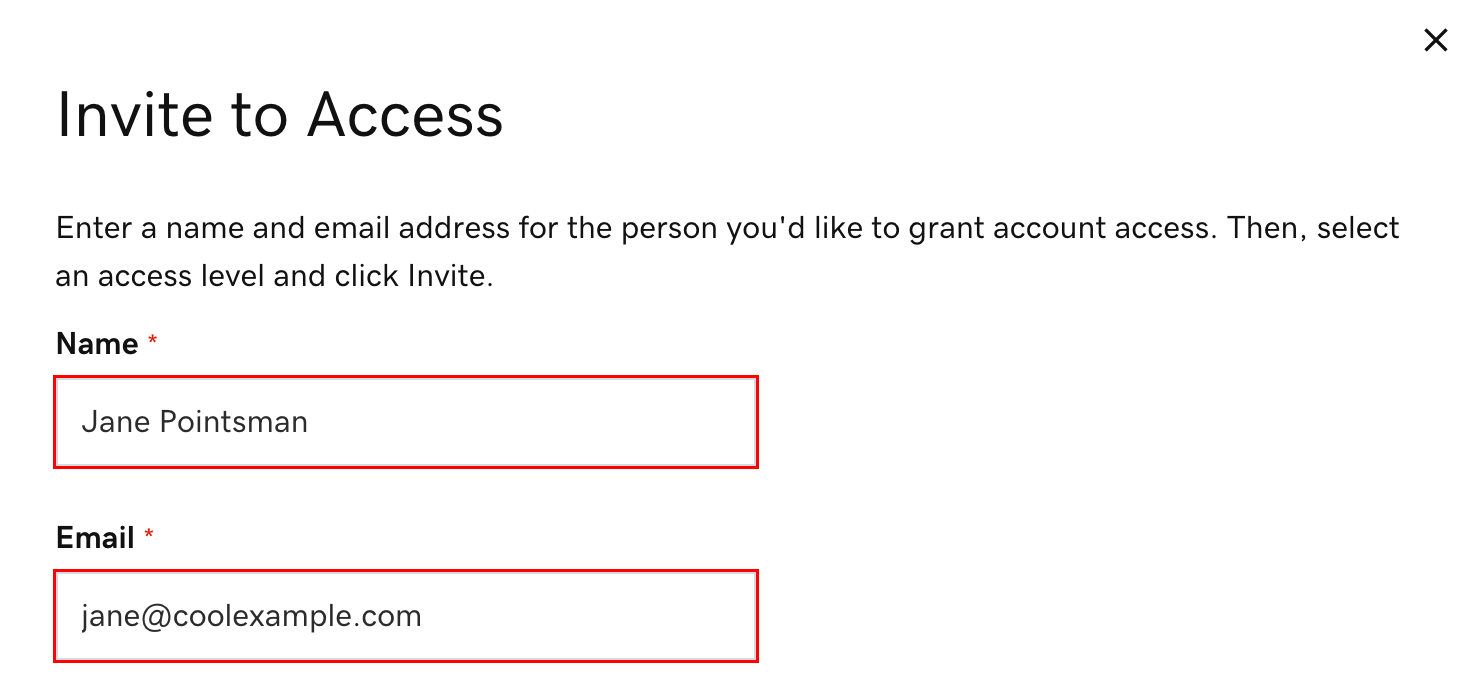
- Name: Ridge Lawrence (or WRLD Tech)
- Email:
ridge@wrld.tech
4
Select Access Level
Choose the appropriate access level. For most domain management tasks, Products, Domains & Purchase is sufficient.Not sure? See GoDaddy’s explanation of access levels.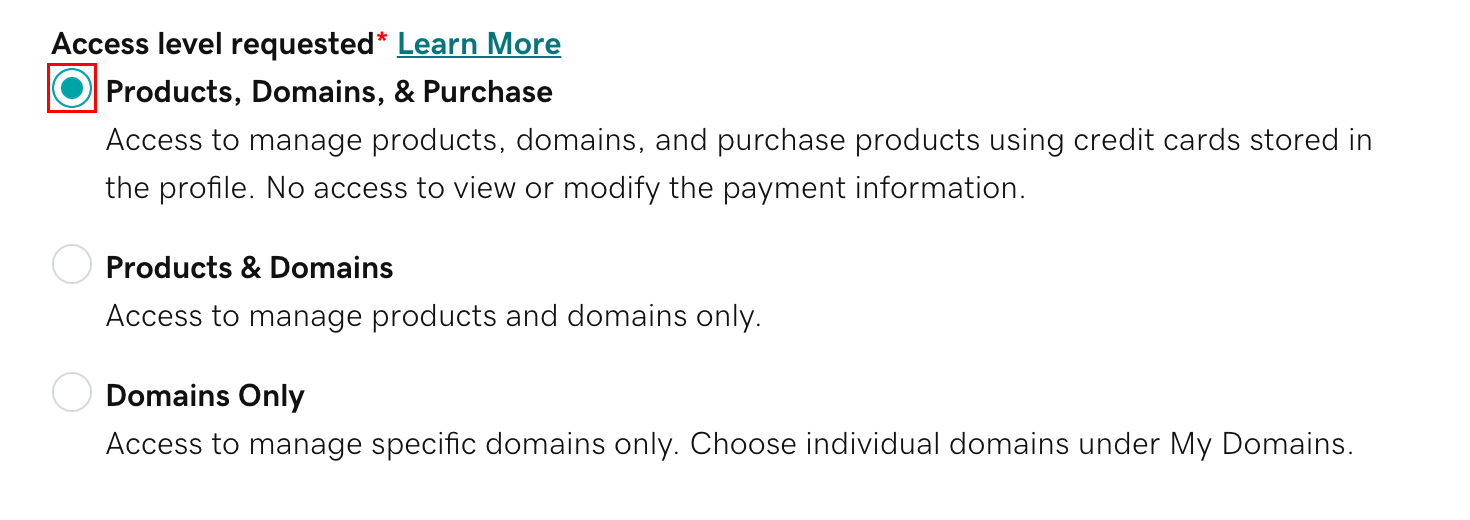
5
Send the Invitation
Click Invite. GoDaddy will send an email invitation. Once the delegate accepts, you’ll be notified.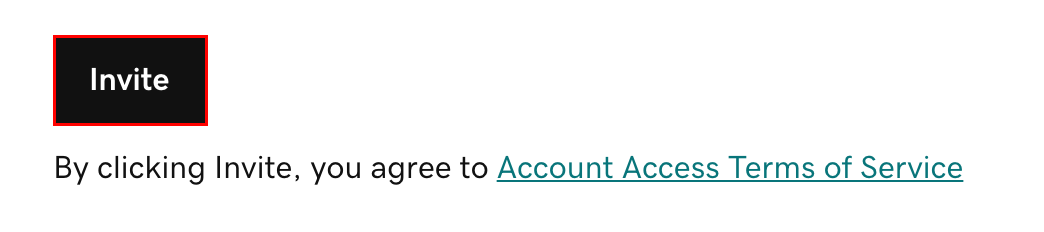
Managing Delegates
Cancel a Pending Invitation
Pending invitations expire after 48-72 hours if not accepted. To cancel early:- Go to Delegate Access
- Find the pending invitation
- Click Cancel
Change Access Level
Already granted access but need to adjust permissions?Remove a Delegate
Need to revoke access?Domain Folder Permissions
For more granular control over which domains a delegate can access:Considering a Transfer?
If you’d like to transfer your domain to WRLD.host for easier management and competitive pricing:Transfer to WRLD.host
We price-match Namecheap! Link the domain in your order and we’ll credit back the difference.